Clock In
Hours for what matters. Measured all week.
A time tracker built around my priorities. Clock In turns the hours I want for each part of my life into weekly goals, then shows my pace toward every one on my iPhone and my Mac.
Screens shown with sample data
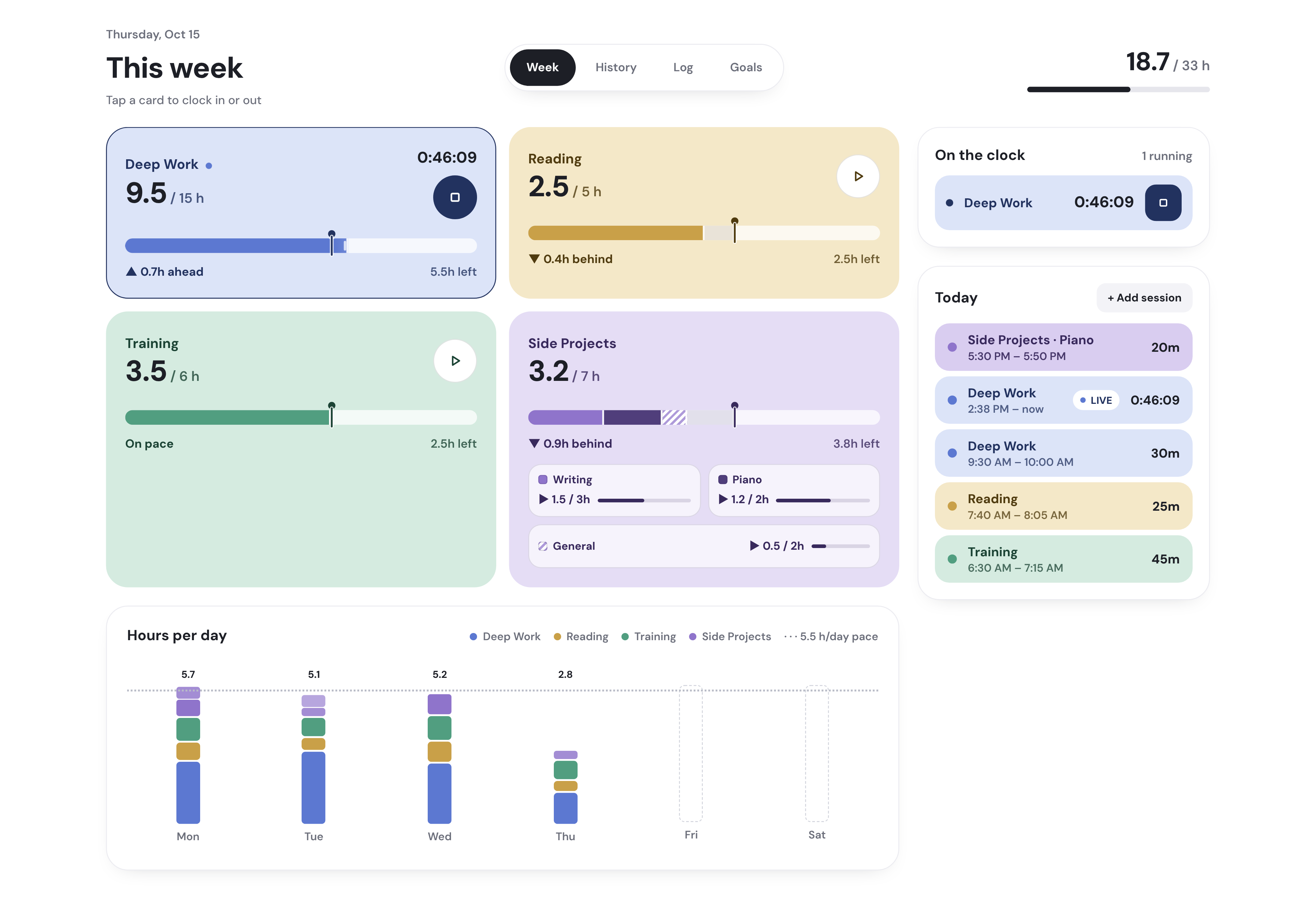
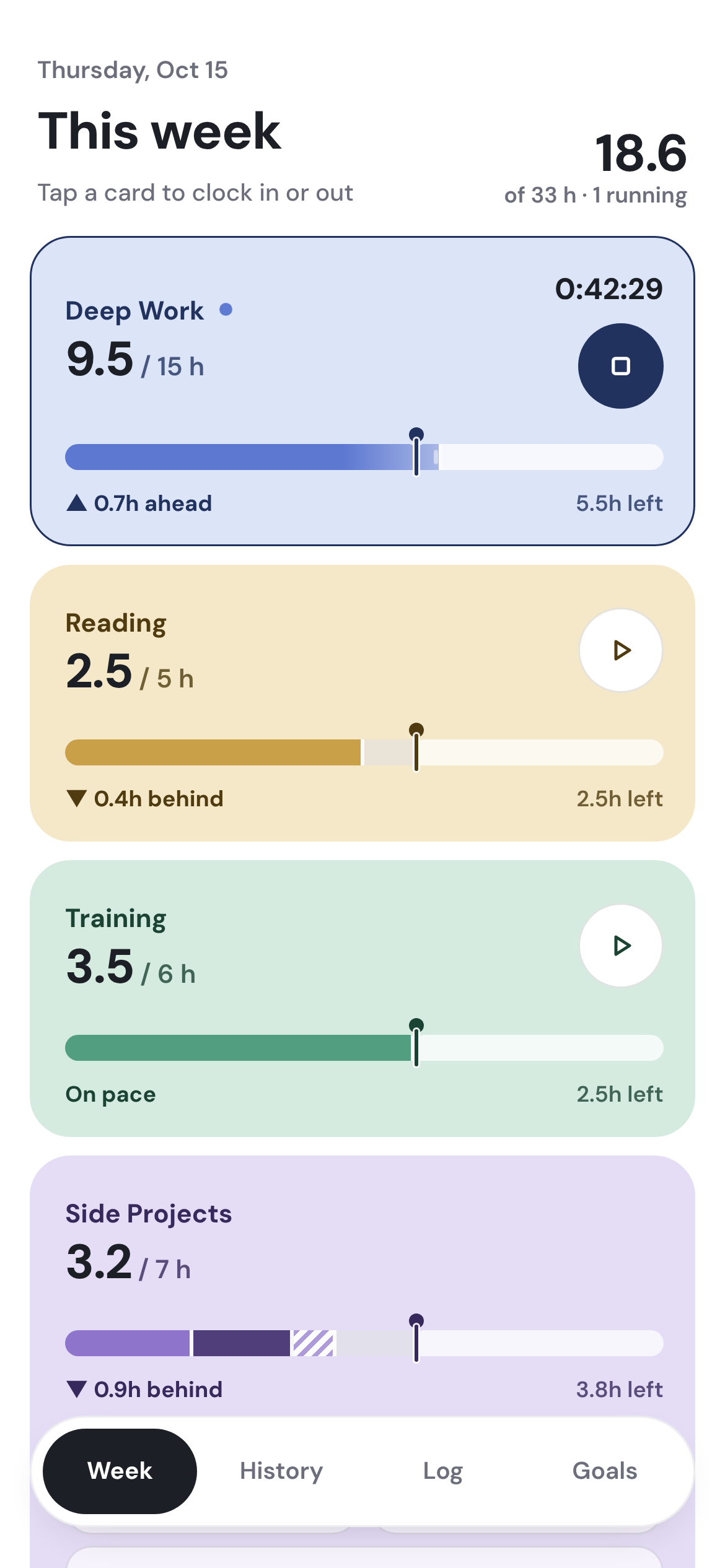
- Tap a card to clock in. Tap again to clock out.
- A pace pin shows where I should be by now, so every goal reads ahead, behind or on pace.
- Start and stop timers with my voice through Siri.
- A clean look back: hours per day, streaks and every past week.
How it works
Set a weekly hour goal for each priority, and split a category into projects when I want more detail
What was actually broken
Planning those hours block by block kept falling apart.
I know what I want my week to look like: set hours for the things I care about most. My schedule never holds still. What I was missing was an organized, honest look back at the end of the week.
What I tried, and got wrong
So I flipped the approach.
Instead of deciding when every hour happens, I set a weekly goal for each priority and track the real time against it. I kept it fully separate from my calendar on purpose. The calendar holds the plan, and Clock In holds what actually happened.
What it does now
A time tracker that feels like a native app on my iPhone and my Mac.
Siri is built in. I set the priorities and it does the math: pace by the hour, streaks, and a full history, all in sync and free to run.
What changed
By Sunday I have a clean, organized picture of where my time actually went.
I can see which priorities got the hours and which ones slipped, and next week starts from real numbers.
Screens
Screens shown with sample data